AI Image Editor
Upload your product images and select the AI optimization functions you need
Upload Product Image
Drag and drop images here, or click to upload
Supports JPG, PNG, and WebP formats, up to 10MB
AI-enhanced features
Select the preset ai prompt
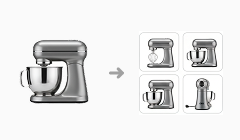
Multi-angle Generation
Generate diverse product views from a single image.

Pose Replacement
Change the model's stance or product orientation.
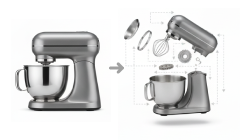
Exploded View Generation
Create diagrams showing product components separated.
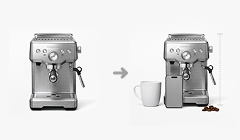
Size Reference
Automatically add scaled items for scale visualization.
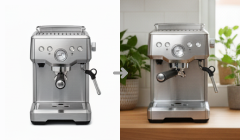
Background Replacement
Swap the existing background with a new scene.
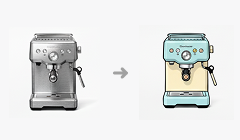
Style Transfer
Apply a new artistic or visual theme to the image.
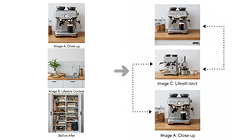
Scene Arrangement
Arrange multiple products aesthetically within a setting.

Material Replacement
Change the product's surface texture (e.g., wood to metal).

Texture Enhancement
Sharpen and enrich the product's surface details.
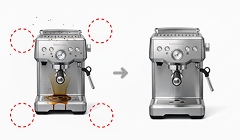
Flaw Removal
Effortlessly remove dust, scratches, or imperfections.

Detail Enhancement
Bring out finer features and clarity in the product.

Text Overlay
Add and style marketing text directly onto the image.
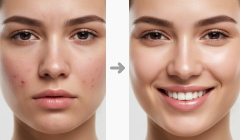
Comparison Generation
Create side-by-side comparison images (e.g., before/after).

Feature Demonstration
Illustrate product functionality or usage in context.
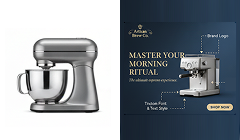
Brand Templates
Apply pre-branded visual templates.

Smart Intent Recognition
AI understands user request from simple text prompts.
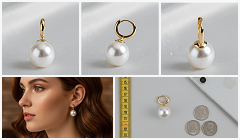
Automatic Image Sequence for Conversion
Optimizes image sequence for conversion.